
When projects become larger than tables
it's time for myPARM ProjectManagement
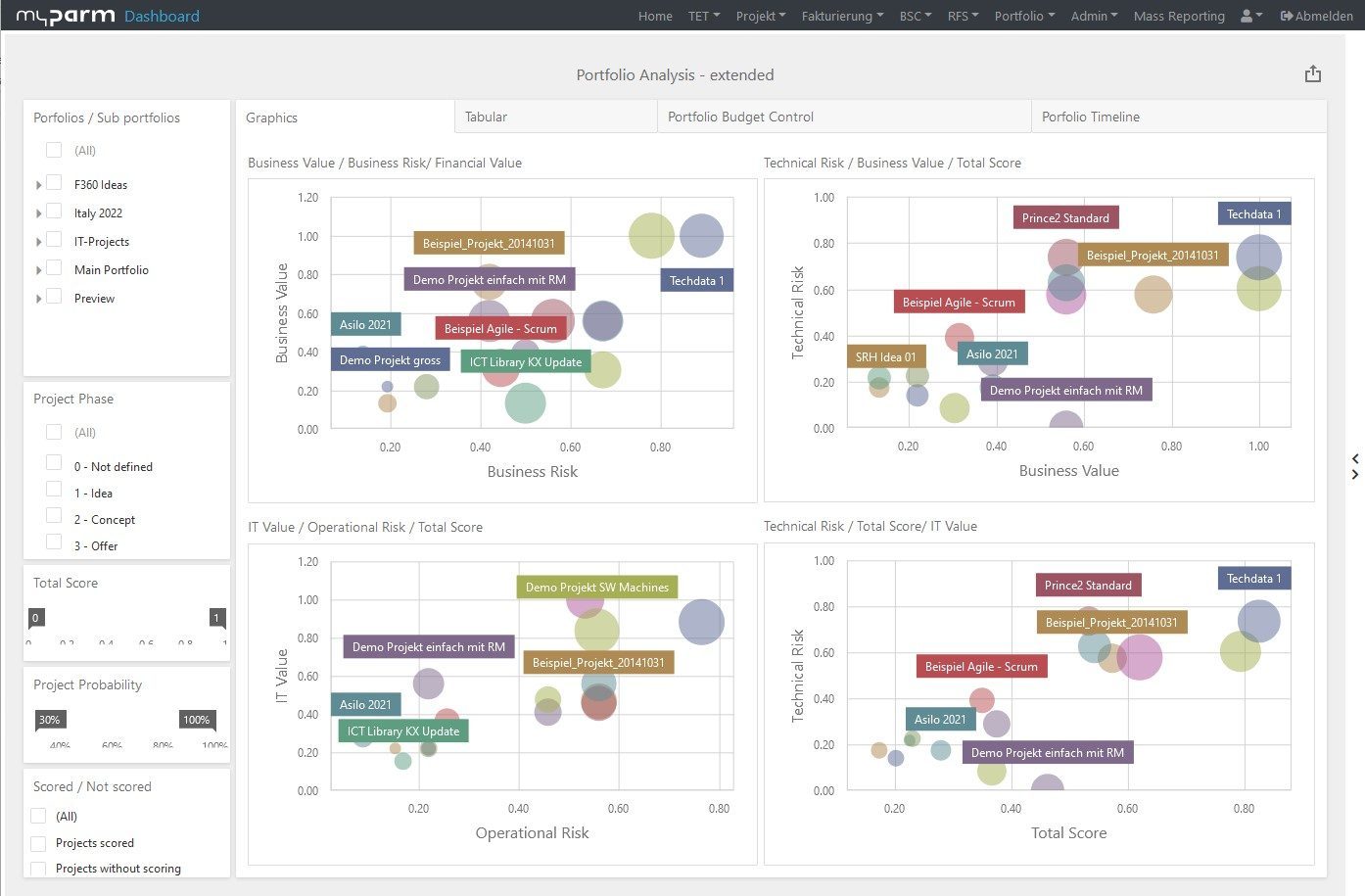
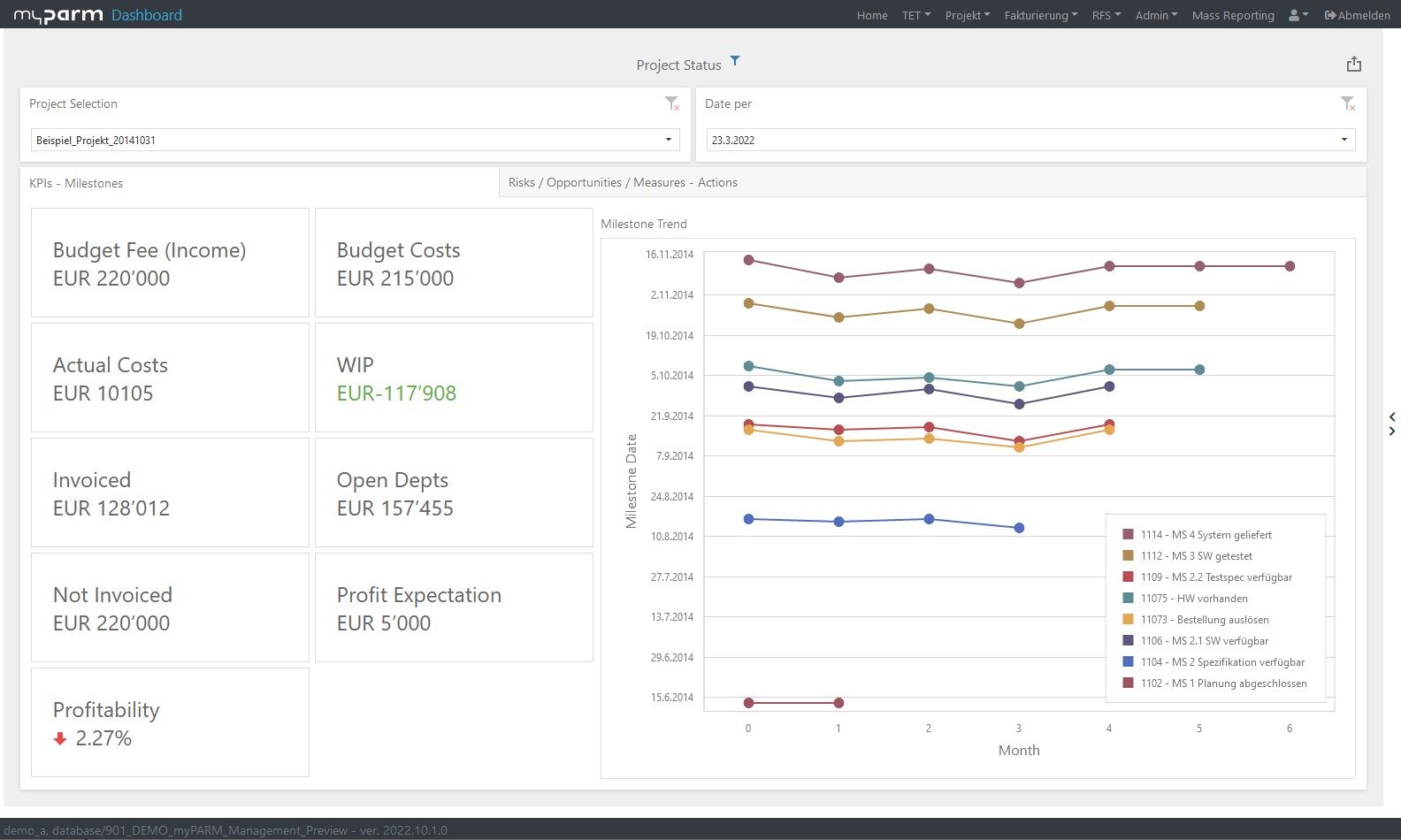
Automatic dashboards
instead of manual tables
Portfolio management
without Excel gymnastics
Validated data
no copy-paste errors













Excel the versatile office tool
Microsoft Excel has been one of the most widely used tools in companies for decades. Flexible, quick to use and suitable for countless purposes, it offers a familiar working environment that many users appreciate, especially for simple lists, small task packages or spontaneous calculations.
However, Excel was never developed for project or portfolio management. As soon as project landscapes grow, several teams are involved and strategic decisions need to be based on reliable data, working with spreadsheets quickly reaches its structural limits. Scalability, dependencies, transparency, clean control and reliable evaluations can only be mapped with considerable manual effort.
What's more, Excel is based on decentralized files. This often leads to data copies, version conflicts and input errors. There is no standardized data model, fixed validations or real traceability across changes. This also makes reporting inefficient - key figures have to be maintained manually, reports have to be laboriously updated and results often have to be checked multiple times. Risks, versioning chaos and a lack of governance are the logical consequence.
Collaboration in Excel is usually fragmented: by file, by email, with local copies. Roles, access and responsibilities can only be controlled to a limited extent. Processes such as approvals, escalations or status changes remain largely manual - with a corresponding risk of delays and a lack of transparency.
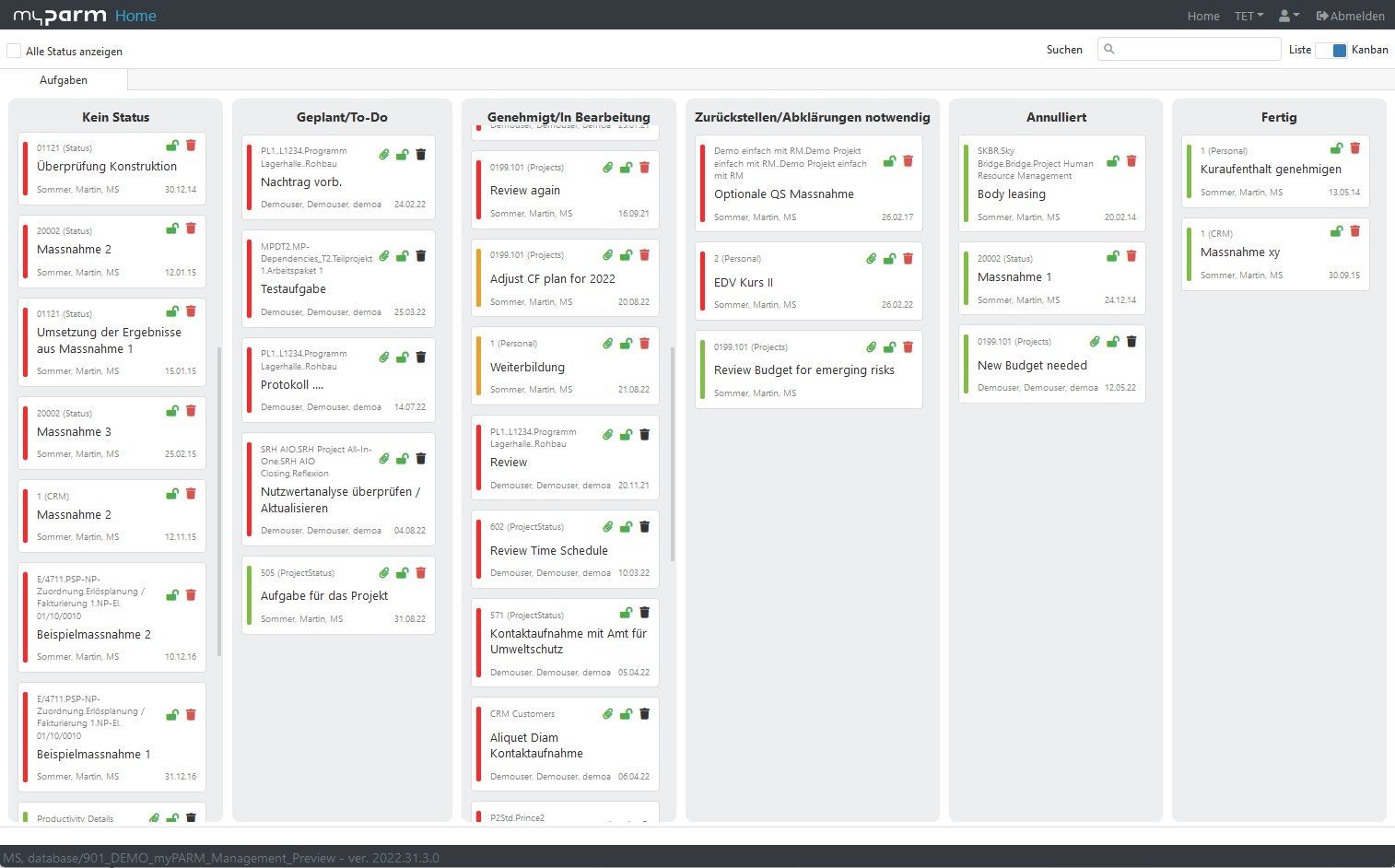
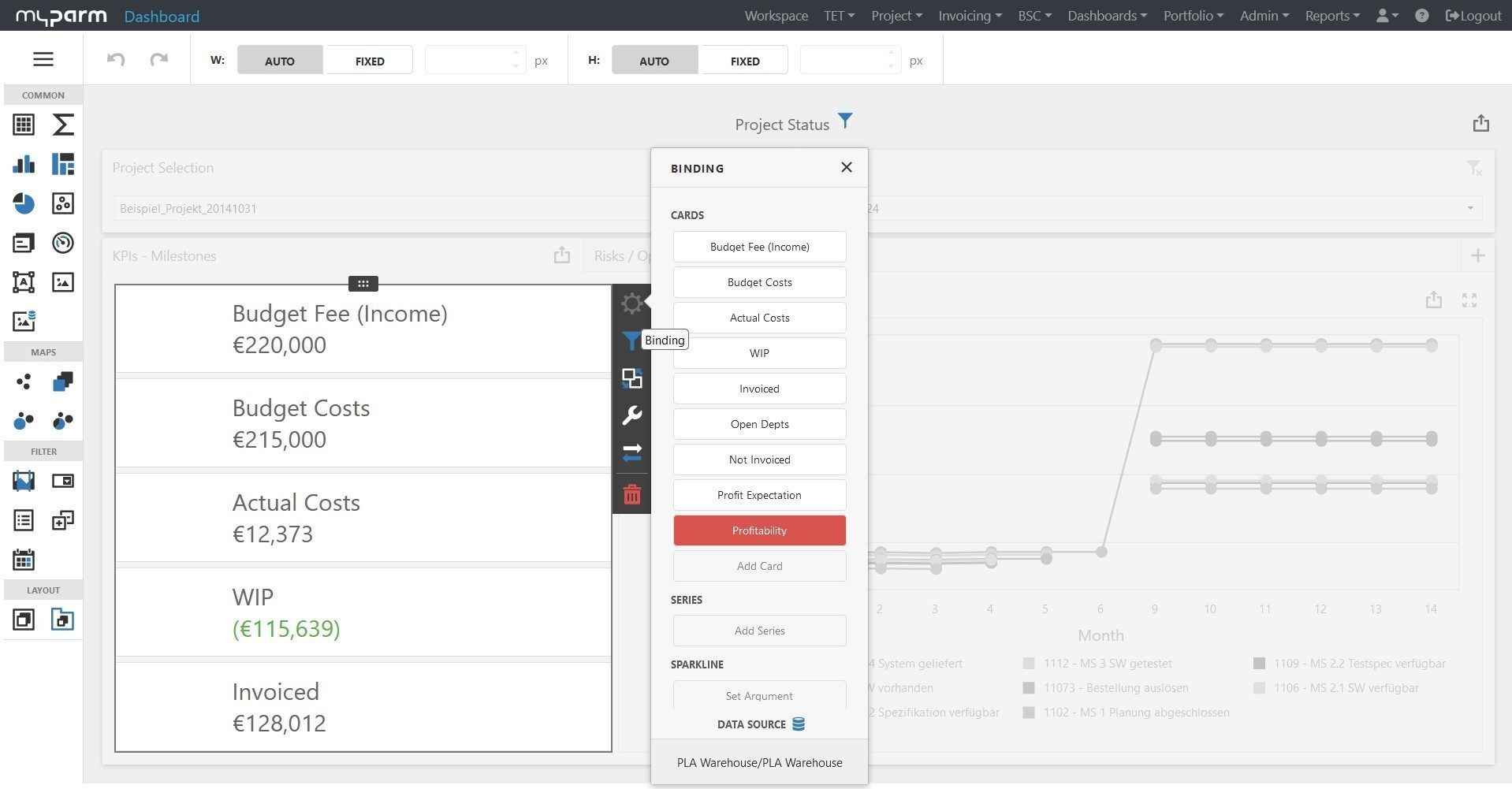
What does myPARM offer as an alternative to Excel?
Excel and myPARM both offer ways of structuring tasks and managing data. The key difference:
myPARM was specially developed to manage complex programs and portfolios in a scalable, automated and audit-proof manner.
With myPARM you get:
A central, standardized system instead of countless tables.
Standardized processes and genuine governance
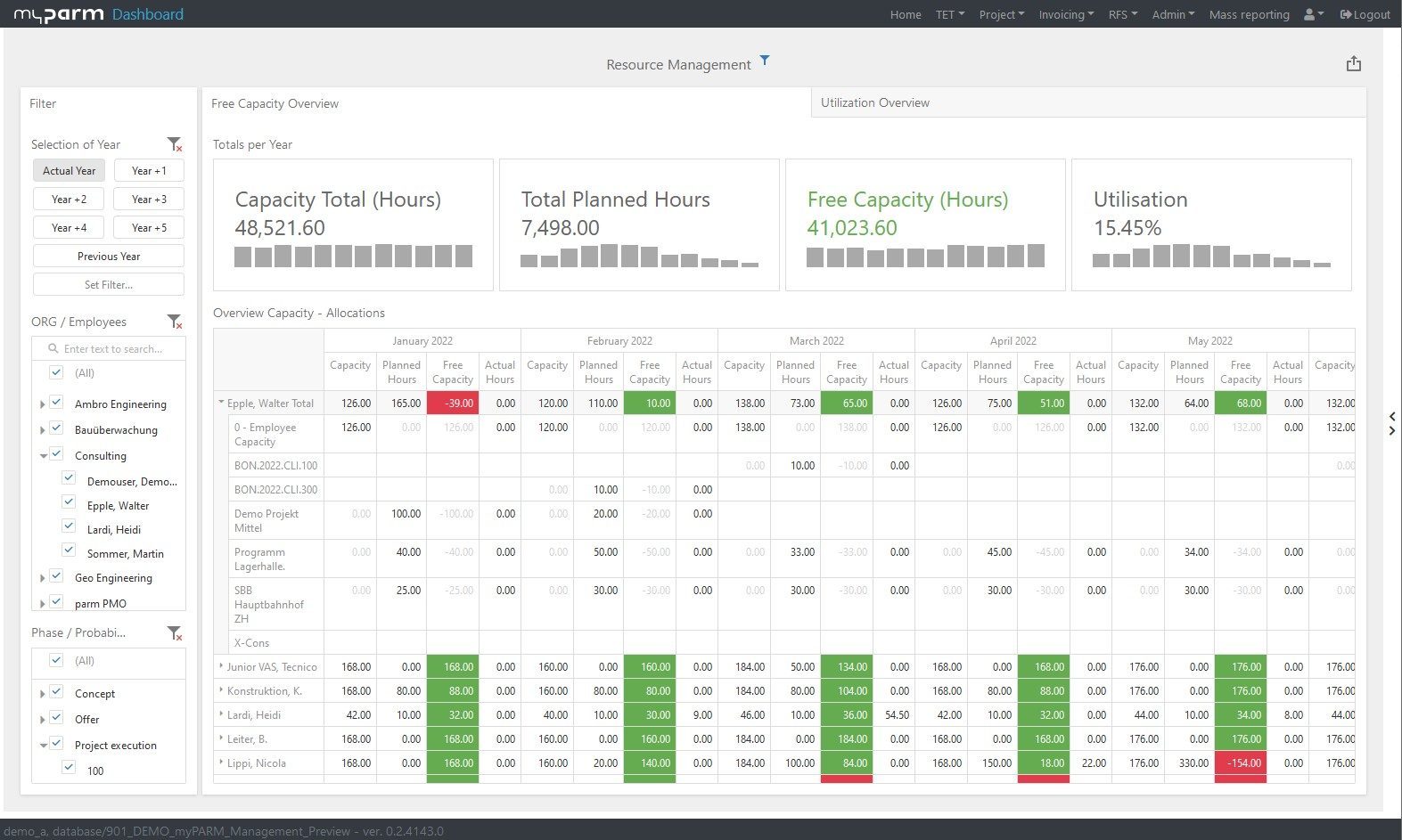
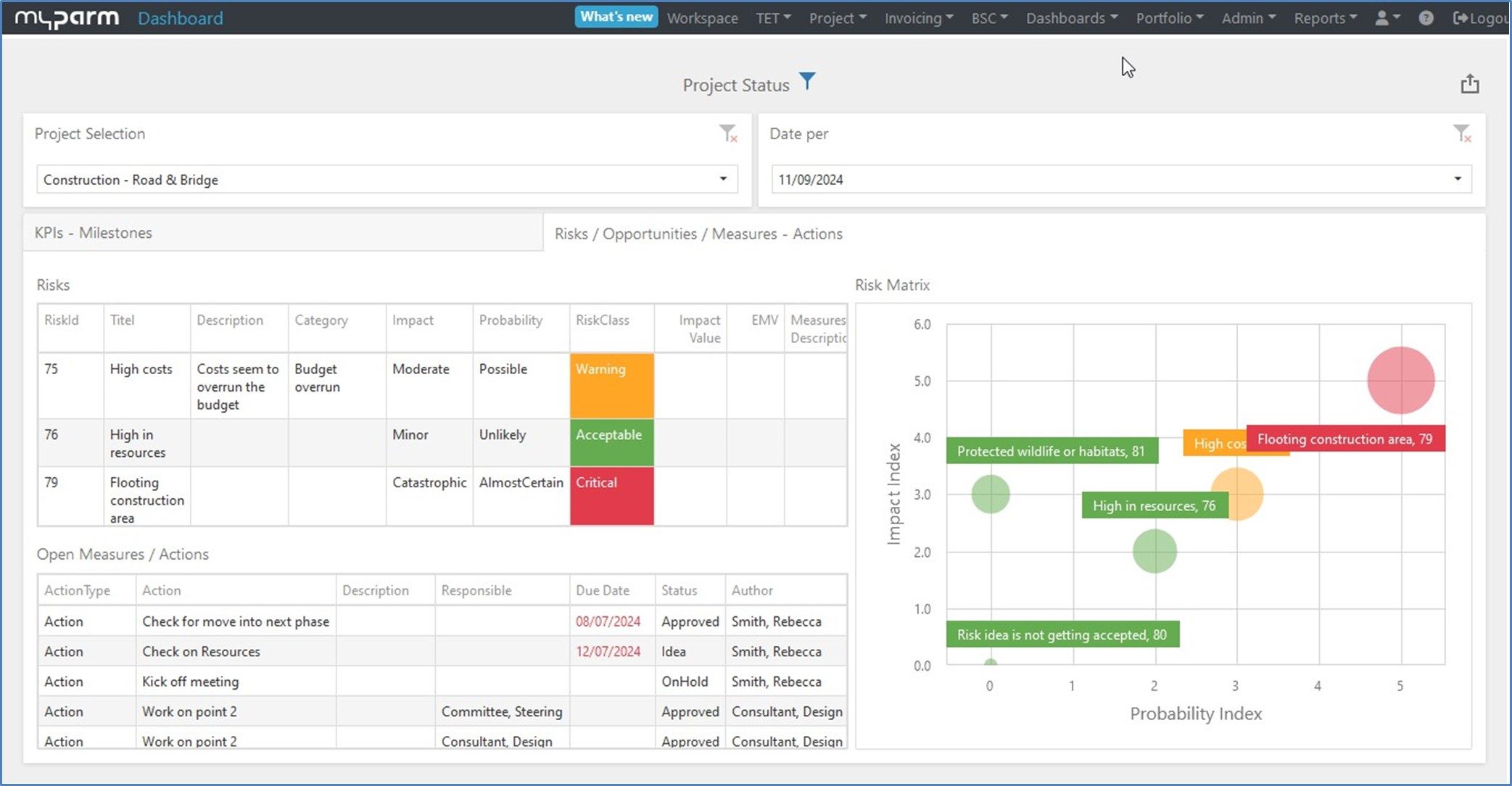
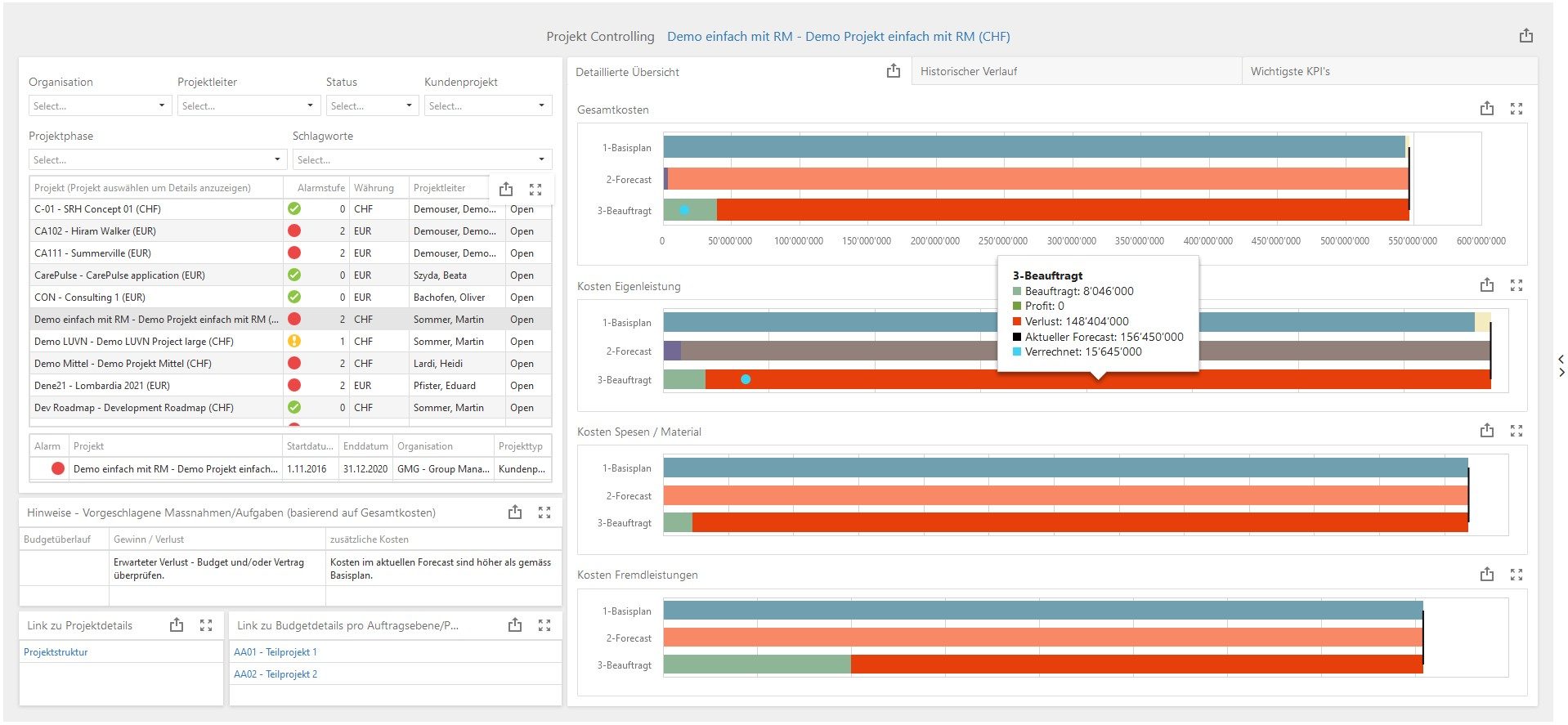
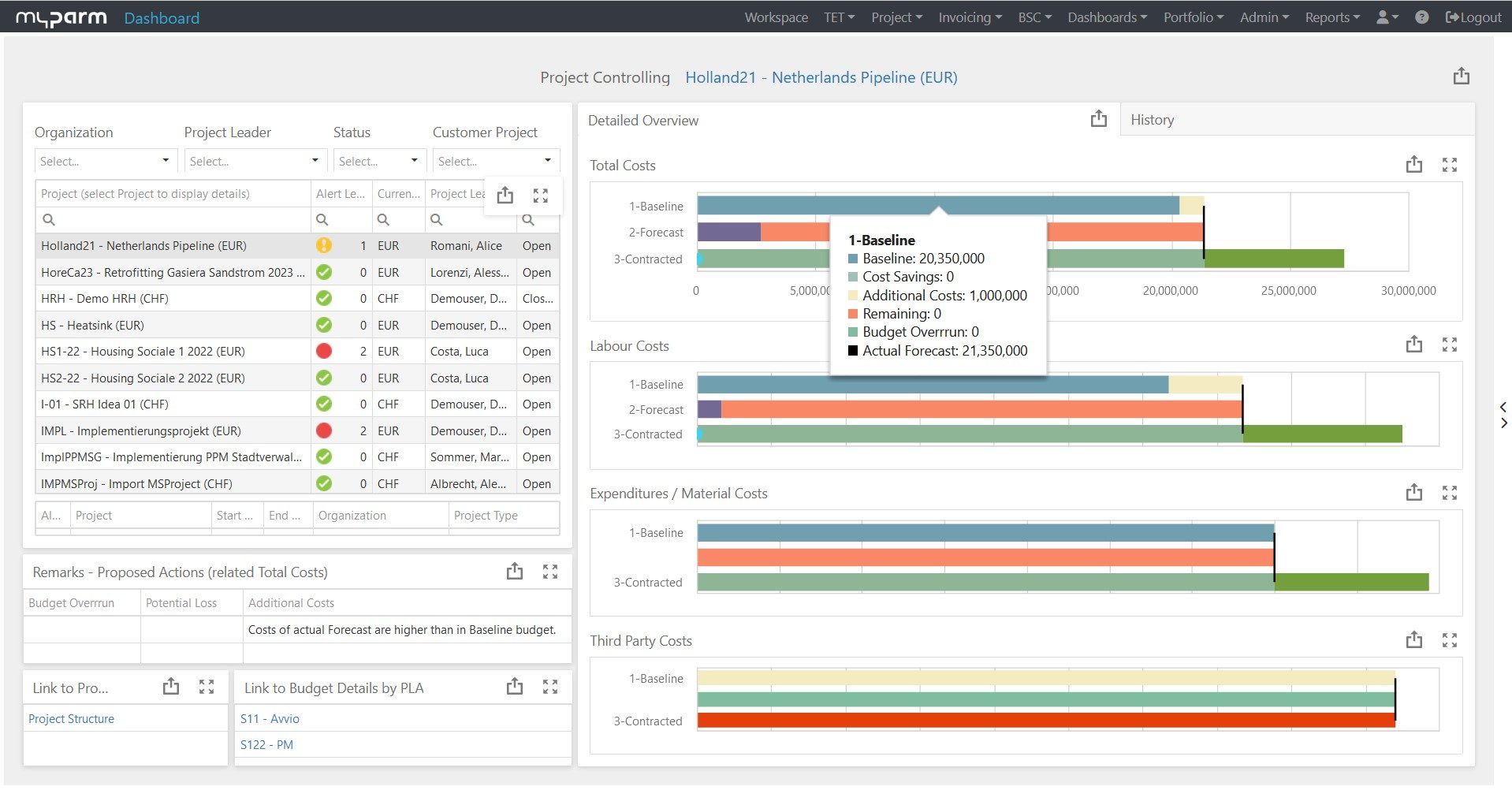
Automated reporting, real-time dashboards and meaningful key figures
A platform that grows with project volume, number of users and your needs
Transparent collaboration and clear role rights
Anyone using Excel as a project management tool today can easily switch to myPARM: Data can be transferred in a structured way, workflows are clearly mapped and complex project landscapes immediately gain clarity and controllability.
Would you like to take a look at the software?
Compare both options and decide for yourself
| Criteria | myPARM ProjectManagement | Microsoft Excel |
| Technology and architecture | Cloud-ready, modular, scalable architecture with REST APIs and open data standards | Local files, isolated data, no native integration or cloud functions |
| Project and program management | Structured tools for planning, tracking, dependencies and portfolio alignment | Manual task lists, no real linking at program level or portfolio transparency |
| Monitoring and evaluation | Real-time dashboards, tracking of output/results, benefit mapping | Requires manual consolidation, error-prone, no structured evaluation frameworks |
| Workflow automation | Rule-based triggers, email notifications, status updates | No automation; workflows are manual or require complex macros |
| Financial forecasts and receivables | Integrated modules for budgeting | Requires customized templates and high manual effort |
| User-friendliness and user interface | Web-based interface, authorization-based roles, intuitive user interface | Static user interface, not specially developed for project workflows |
| Reporting and dashboards | Automated PDF/Excel exports, live visual dashboards | Static charts, require manual updates |
| Data quality and governance | Centralized, validated input fields, audit trails | No standardization, confusion regarding versions, risk of overwriting |
| Scalability | Supports company-wide portfolios across departments or agencies | Becomes unmanageable with large scale, difficult collaboration |
| Security and compliance | GDPR-compliant, ISO 27001-compliant, configurable access controls | Weak access controls, no formal compliance tools |
Why myPARM ProjectManagement?
Developed for multi-project environments
myPARM is not a task tool, but was developed specifically for complex organizations and program-driven environments.
It supports parallel projects, multi-stage programs and strategic portfolios.

Structured governance, compliance & strategic management
myPARM enables real control: through clearly defined phases, milestones, status logics, KPI tracking and audit-proof audit trails.
In this way, governance requirements are not only documented - but actively lived.

Less risk through standardization & automation
Manual Excel processes are error-prone and slow. myPARM replaces them with automated workflows, fixed templates, status rules and escalations.
This reduces operational risks, saves time and noticeably increases process reliability.

Flexibly adaptable to your needs
Whether funding structures, milestone systems, output logics or individual reporting obligations - myPARM can be adapted precisely to your technical framework conditions without the need for time-consuming individual development.

Professional manufacturer support with SLAs
With myPARM, reliable SLAs (Service Level Agreements) are part of the contract. This ensures regular updates, professional support and the long-term further development of the software.