
More than Gantt charts and
Simple planning
myPARM controls complex programs
Portfolio management
instead of individual project islands
Integrated workflows
Easy to control
User-friendly
and intuitively understandable













Microsoft Project - strong in planning, weak in the big picture
Microsoft Project has been an established tool for classic project planning for many years. Gantt charts, resource planning and deadline tracking are among the core strengths of the software. MS Project is frequently used as a standard tool, particularly in the individual project environment.
However, Microsoft Project is only suitable to a limited extent for modern project landscapes with many projects running in parallel, several organizational units and increasing governance requirements. Cross-portfolio management, integrated approval processes, automated reporting or strategic monitoring are only possible using additional tools, individual adaptations or third-party connections.
The user interface also often seems overloaded for occasional users: Collaboration, transparency and uniform data management across teams are complex. Workflows, approval processes and financial logic have to be set up individually. Financial control, monitoring & evaluation and audit-proof processes are not part of the standard system and often require complex in-house developments. The same applies to integrations with other systems.
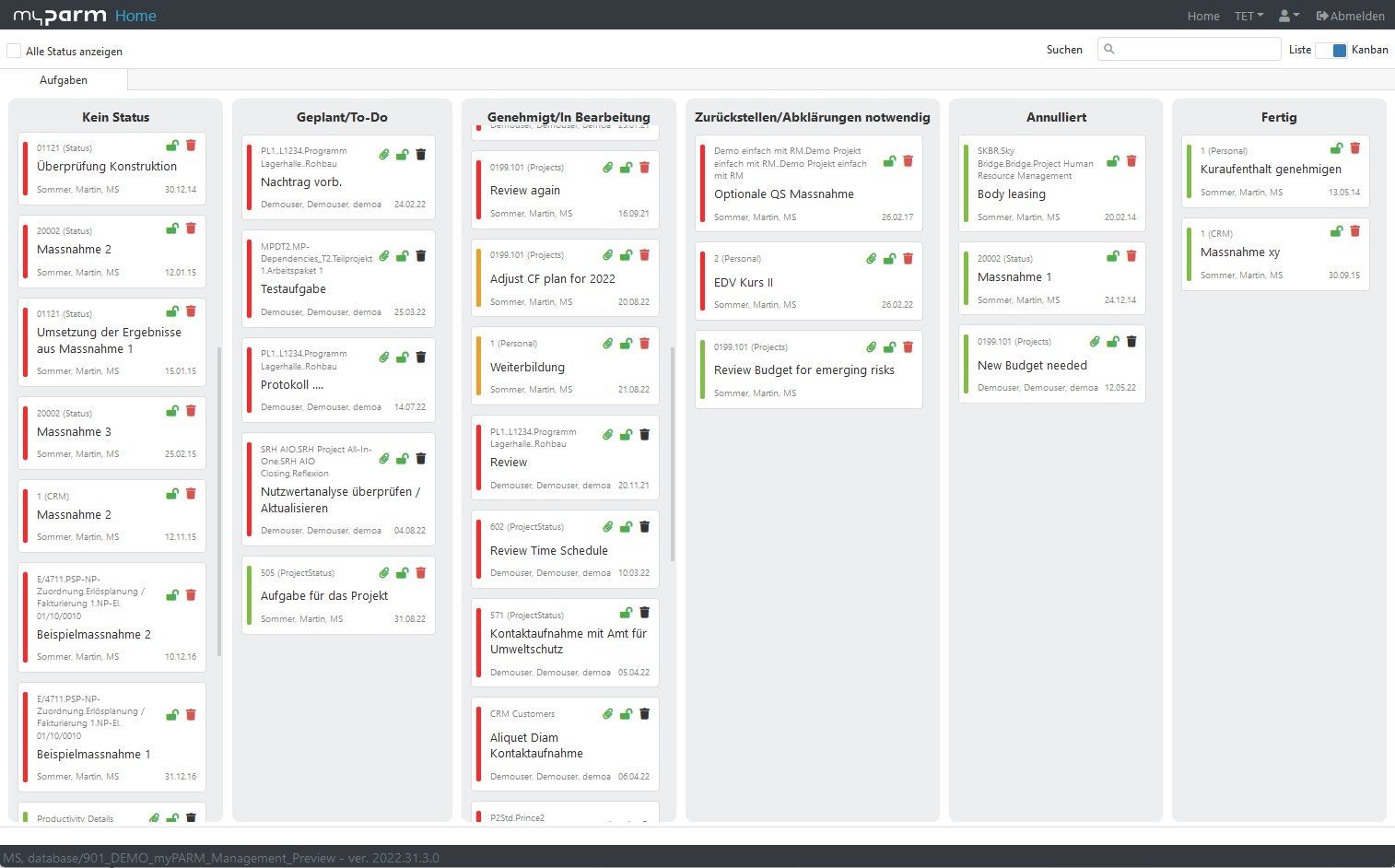
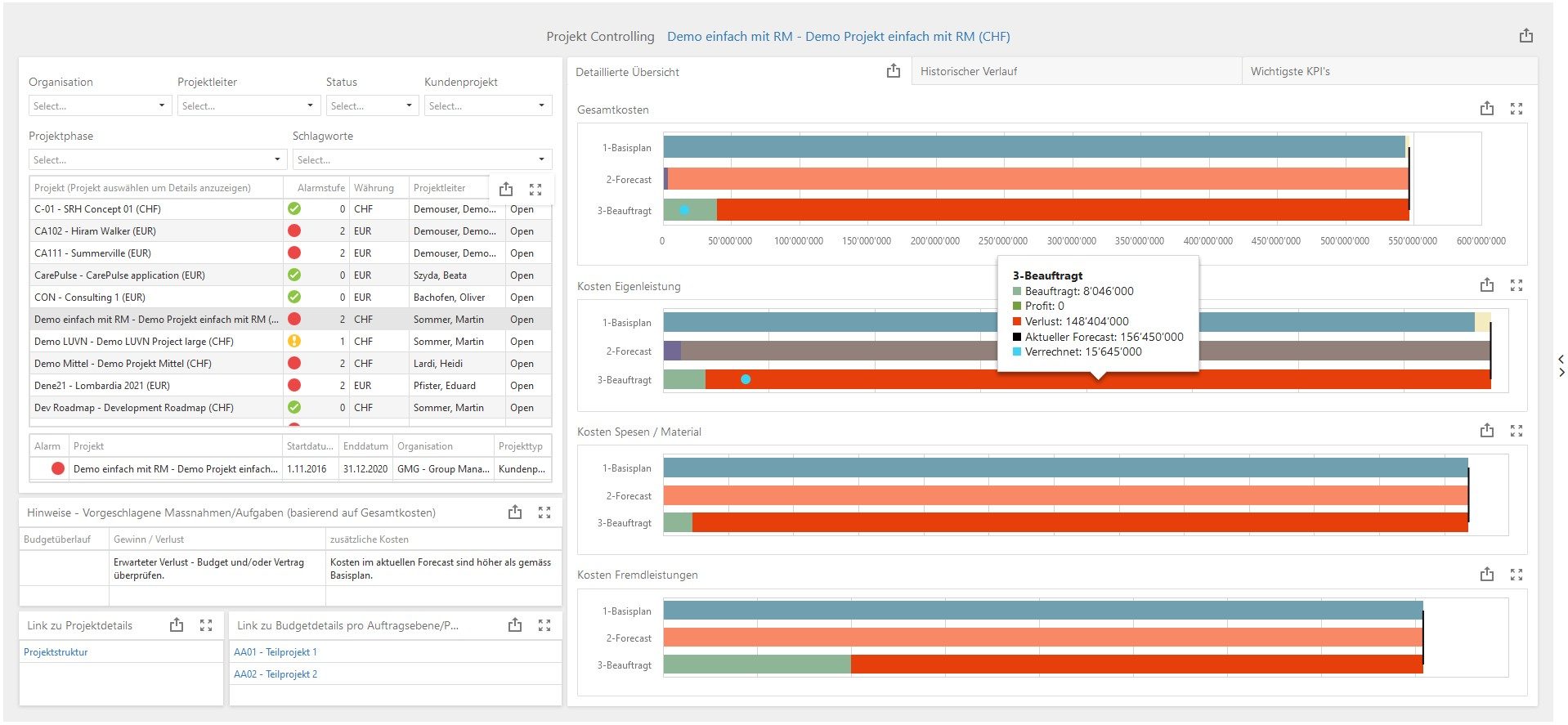
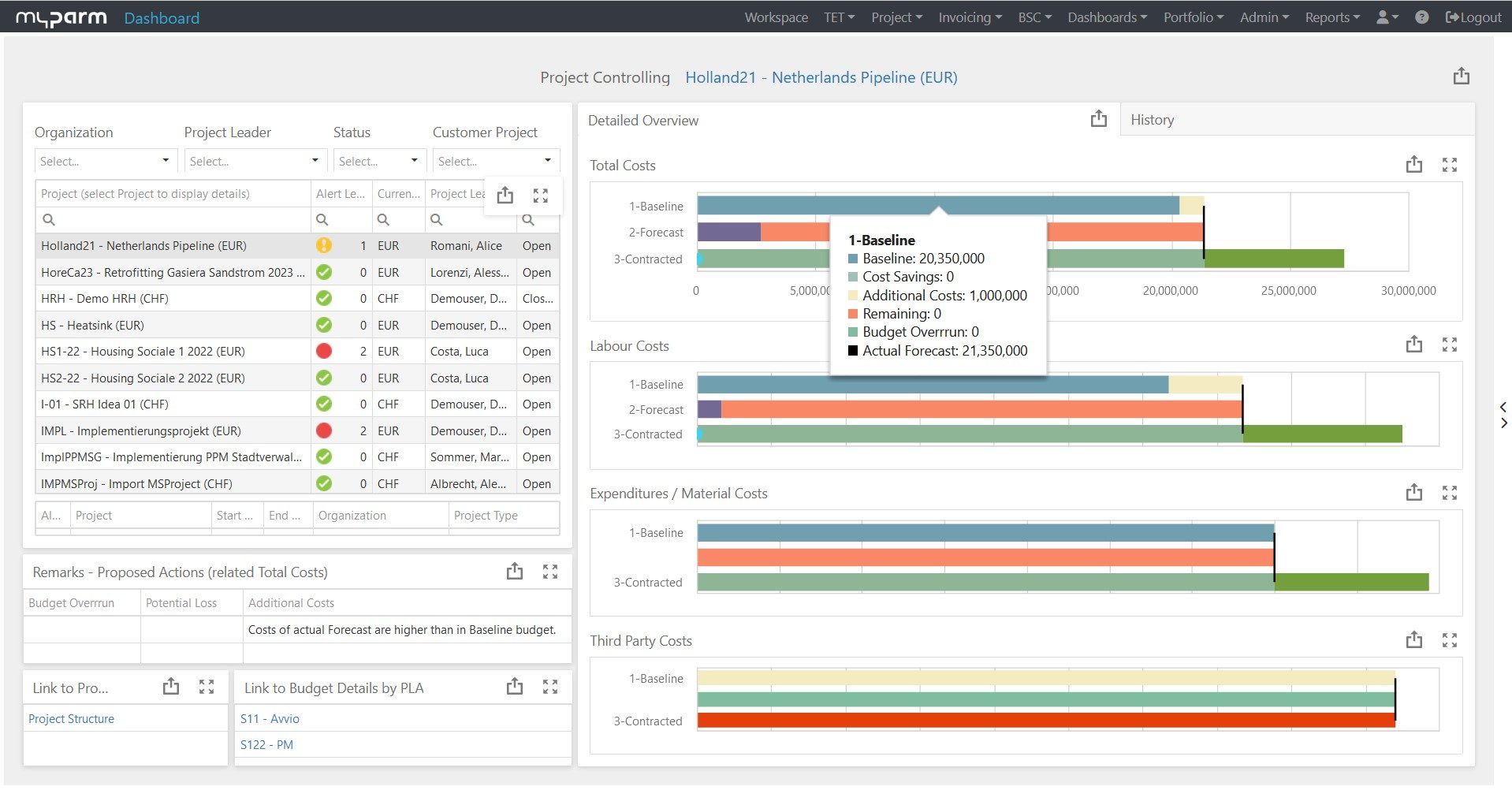
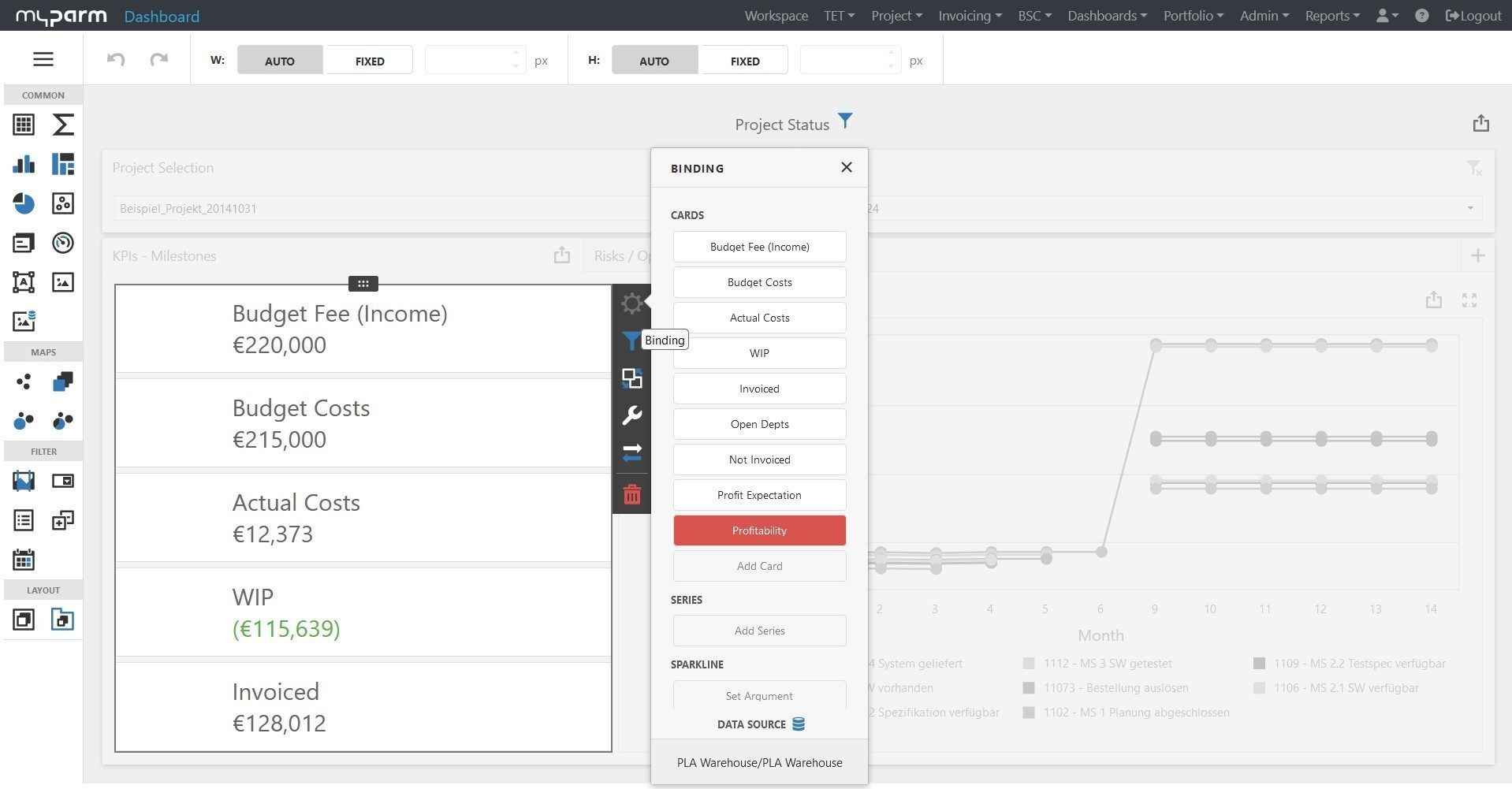
What does myPARM offer as an alternative to MS Project?
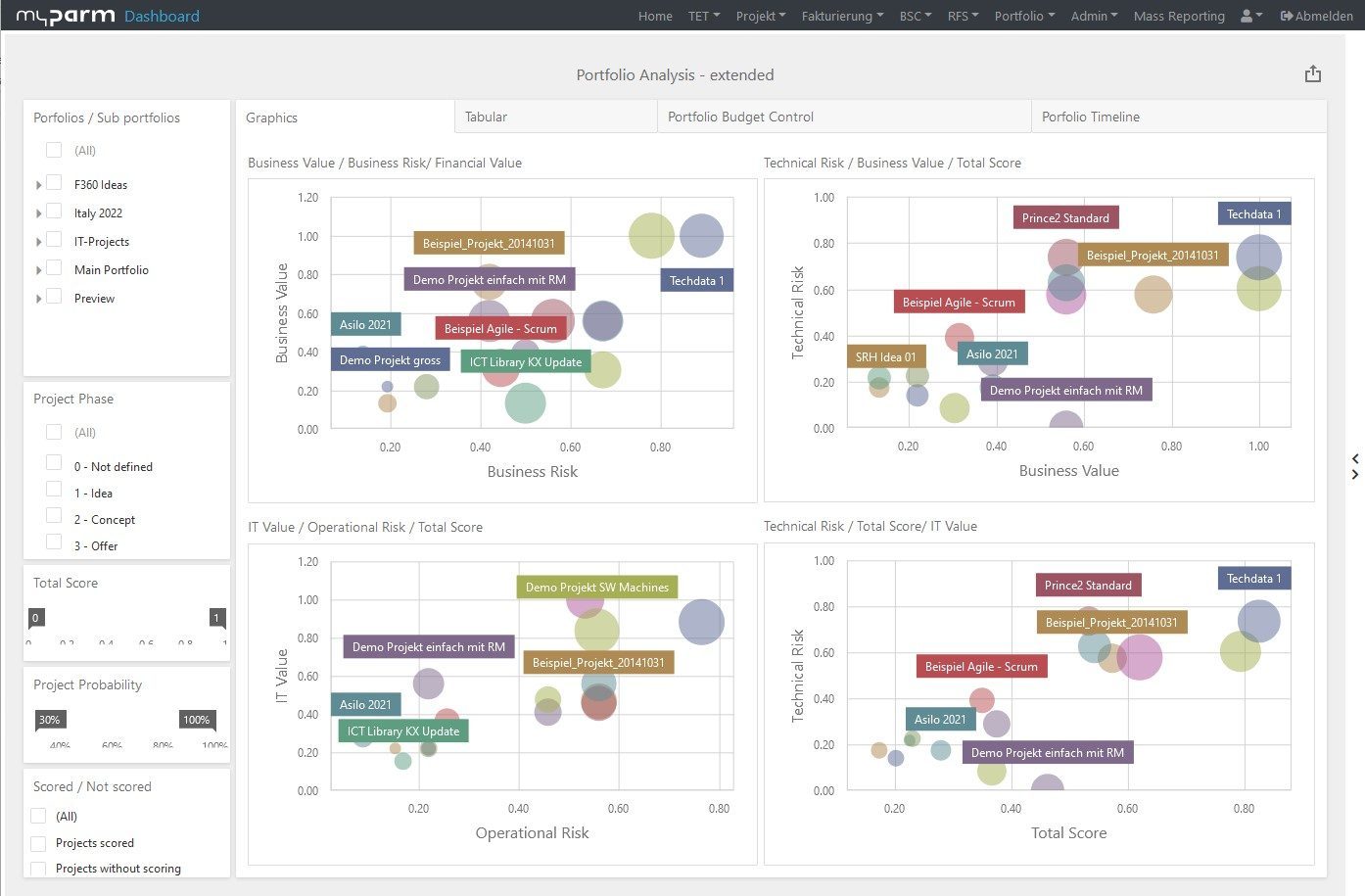
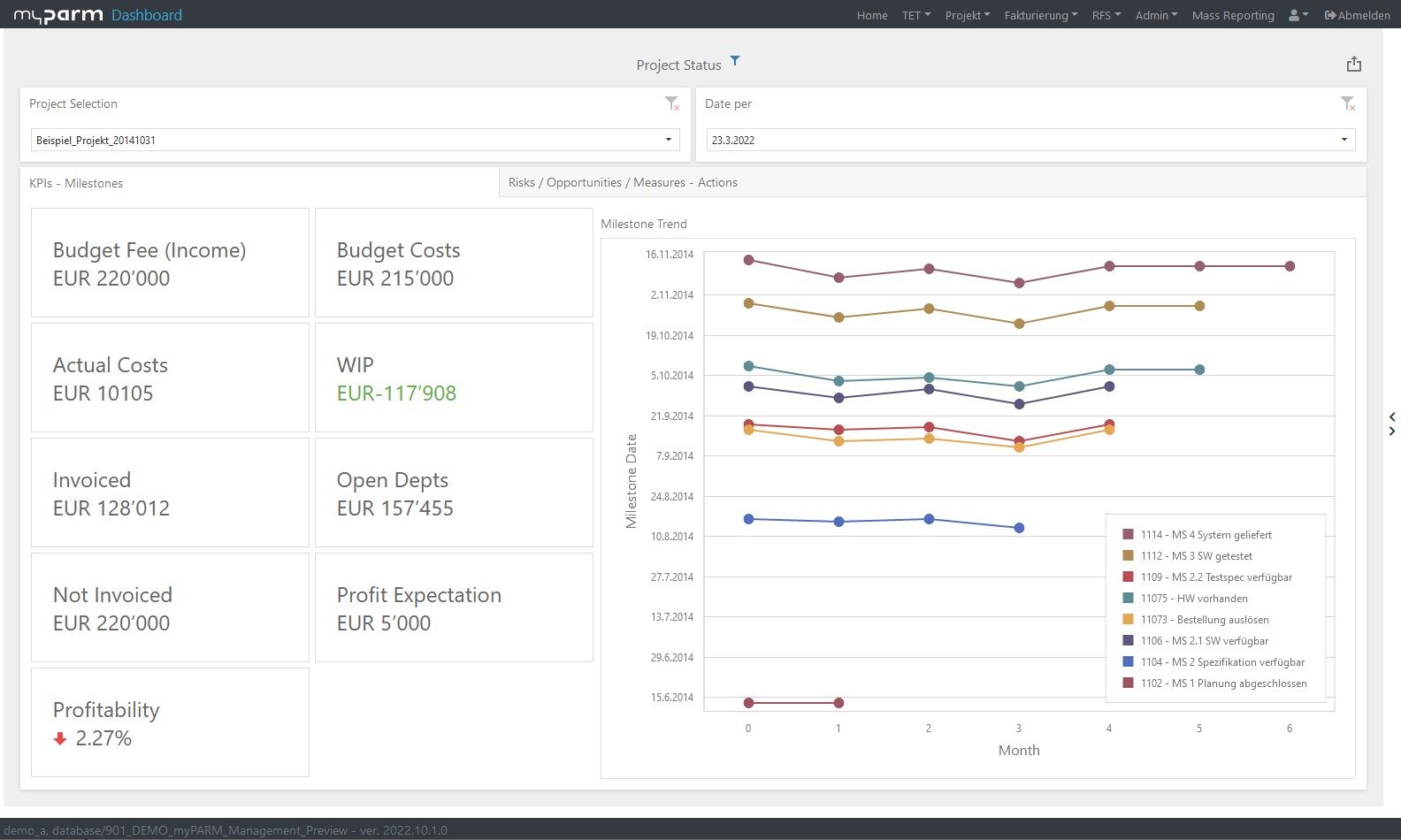
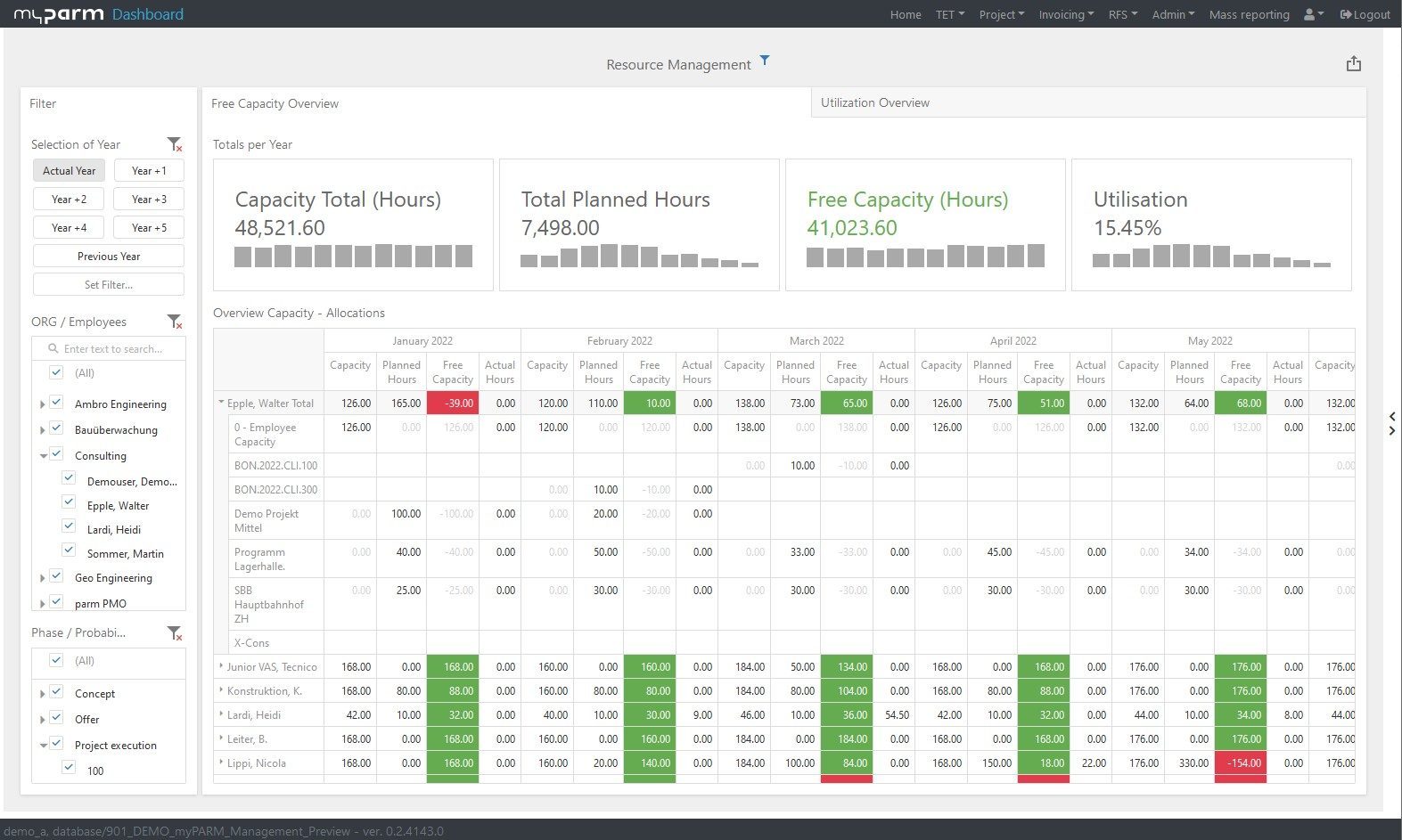
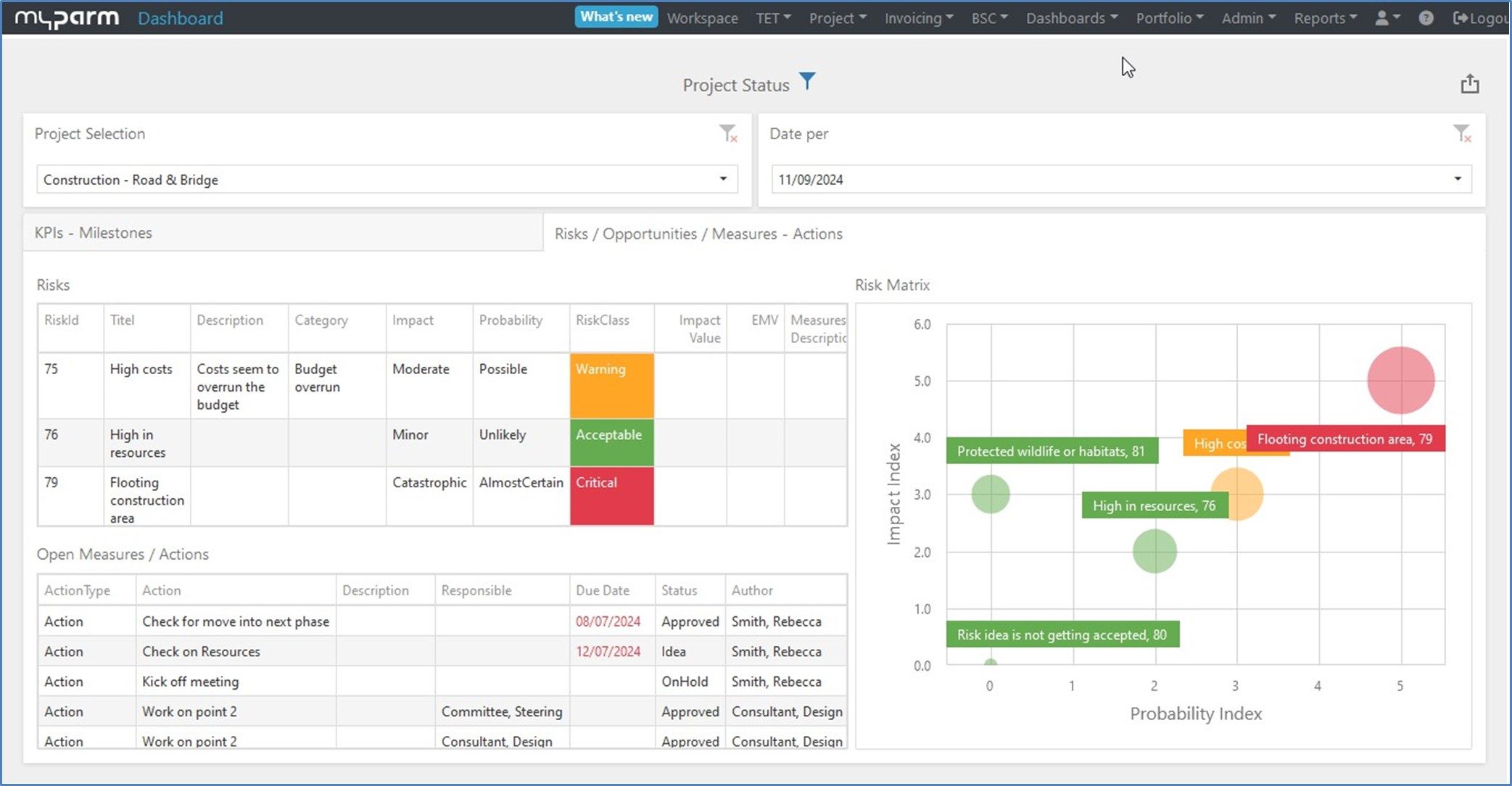
While Microsoft Project is primarily focused on scheduling and resource planning, myPARM was developed as a holistic platform for project, program and portfolio management - including finance, governance, automation and strategic control.
Organizations that switch from MS Project to myPARM win:
A consistent multi-project and portfolio overview.
Integrated workflows, approvals, financial logic and automated reporting
An intuitive, web-based user interface with real-time dashboards
Scalability for teams and departments and easy collaboration
Plug-and-play integrations to ERP, CRM or other tools
Anyone using MS Project as a project management tool today can easily switch to myPARM: Data can be transferred in a structured way, workflows are clearly mapped and complex portfolios immediately gain clarity and manageability.
Would you like to take a look at the software?
Compare both options and decide for yourself
| Criteria | myPARM ProjectManagement | MS Project |
| Technology architecture | Modular, cloud-enabled or local, RESTful APIs, middleware integration | Desktop-first, limited web version, rigid architecture |
| Portfolio management | Native multi-project views, dependency assignment, resource balancing | Simple Gantt views at project level, limited functions at portfolio level |
| Compliance and verifiability | GDPR-compliant, role-based access, audit trails | Basic access controls, limited native audit support |
| Monitoring and evaluation | KPI monitoring, dashboards, result and benefit mapping | No integrated M&E module, relies on external reporting |
| Integration options | Connection to SAP, DMS, MS Office, JIRA, SharePoint, MS Project, REST APIs | Integration with Office 365, partly with Power BI, but limited external flexibility |
| User-friendliness and user interface | Browser-based, responsive, multilingual interface | Complex user interface, especially for non-technical users |
| Workflow automation | Built-in rules, status gates, notifications | No native automation; requires Power Automate or custom development |
| Financial forecasts and receivables | Modules for budget control, forecasts and receivables, integration with ERP and financial accounting systems such as SAP, MS365, etc. | No native financial modules |
| Scalability | Unlimited number of users, resources, projects and project portfolios | Complex and expensive to scale across departments |
| Training and support | SLA-based, multilingual support, customized training | Online documentation, forum, no guaranteed SLA, except via third parties |
Why myPARM ProjectManagement?
Developed for portfolio, program & project environments
myPARM is not limited to individual projects. It manages complex project landscapes in a structured, scalable and organization-wide manner.

Finance, strategy & key figures integrated in one system
Budget, forecast, KPIs and operational data flow together centrally, eliminating the need for isolated solutions.

Efficient governance & compliance
Phase models, milestones, audit trails and audit trails are not additional software, but a core component - perfect for regulated environments.

Flexibly customizable without programming effort
myPARM can be adapted exactly to your framework conditions and is optimally integrated into your existing systems.

Trustworthy in highly complex, regulated environments
Regular updates, reliable support and clear service levels safeguard planning and investments.